ntryk
ntryk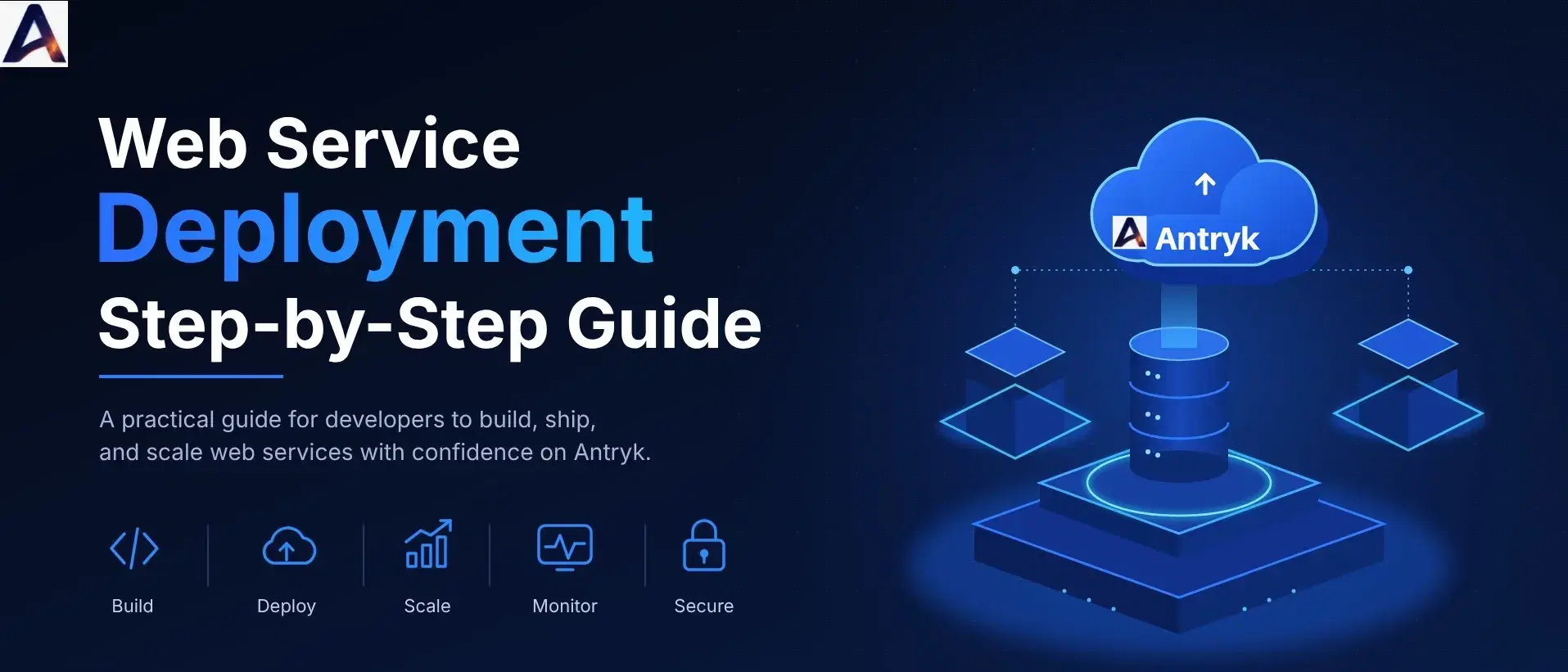
Building a web application is only part of the effort. The code that runs well on a laptop has to grow into something other people can reach, trust and rely on. That means a live URL, secure connections, sensible configuration, a way to release updates, and a plan for when things go wrong.
What bridges a source repository to a running service is the deployment process, and how well it is structured makes a big difference to every release.
This article walks through everything from a GitHub repository to a production web service, exploring what deployment really involves, what needs preperation, how to do deploy a service, what happens when new code is pushed, how to deal with common issues, and how to improve reliability.
What Is Web Service Deployment?#
A web service is an application that answers requests over a network. A few typical examples are a REST API that powers a mobile app, a backend for a SaaS product, a microservice that handles payments, or a web application that renders pages for users.
Deployment is the process of taking that application from where it was built and making it available in an environment it can be accessed from. It covers building the codebase, installing dependencies, applying configuration, starting and exposing the process. Deployment also refers to the set of tools and processes that do this.
Local development vs production#
The gap between a local machine and production is bigger than it looks.
On a laptop, the only user is the developer, and the app can crash and be restarted. Secrets are in a local file and nobody cares if it is down for ten minutes.
In production, many users (or other services) may be making requests at once, and downtime costs time and money. Secrets need to be stored securely and the service must be able to restart itself and recover from bad releases, serve traffic over HTTPS, and be inspectable.
Why deployment matters for APIs and web applications#
APIs and web applications are rarely used in isolation. Other services, front ends and customers depend on them. A poorly handled deployment can break dependencies, return errors to real users or expose secrets. A good deployment process makes releases small, repeatable and reversible, which is what lets teams ship often without fear.
How the Journey From GitHub to Production Works#
Most modern deployments follow the same basic path, whatever language or platform it is:
1. Write and test the code. Confirm the application work locally and its tests pass.
2. Push the code to GitHub. Your repository is the single source of truth.
3. Configure the deployment environment. Choose the runtime, region and resources.
4. Build the application. Dependencies are installed and the project is compiled or packaged if needed.
5. Deploy to a hosting platform. The built application is started on cloud infrastructure.
6. Configure environment variables and networking. Secrets, domains and HTTPS are set up.
7. Test the live service. You verify that real requests return the right responses.
8. Monitor performance and errors. You watch logs, uptime and resource use over time.
The rest of this article expands each of these stages.
What Do You Need Before Deploying a Web Service?#
A little preparation prevents most deployment failures. Before starting, confirm that you have the following.
A working application. It should start cleanly with a single command and behave correctly in local testing.
A GitHub repository. Your code is committed and pushed, and there is a clear production branch such as main.
Dependencies and build configuration. Your dependency file (e.g. package.json or requirements.txt) is complete and accurate, and your runtime version is specified where possible so builds are repeatable.
Environment variables. List every value the app reads at runtime, such as API keys, database URLs and feature flags, and keep them separate from the code.
A hosting platform. You need somewhere to run the service. We'll cover what to look for in Step 3.
Database and external API connections, if required. Ensure the production database exists and that your service is able to connect to it.
A domain name and HTTPS, where applicable. If users or other systems will call your service by name, plan the domain and certificate up front.
A health check endpoint is also worth adding. A simple route such as /health that returns a success response lets a platform confirm your app is ready before sending it traffic.
Step-by-Step Guide to Deploying a Web Service From GitHub#
Step 1: Prepare your application#
Start locally. Run the application the same way it will run in production, using the same start command, and confirm it works.
Check your dependencies. If your language has a lock file, commit it so the platform installs the same versions you tested.
Run your tests. Even a small set of tests covering your key endpoints will catch obvious mistakes before they reach production. Finally, confirm the service reads its port and configuration from the environment rather than hard-coded values. This is one of the most common reasons an app works locally but fails after deployment.
Step 2: Push your code to GitHub#
Create a repository and commit your code.
Use branches deliberately. A common pattern is to treat main as production and use feature branches for new work, merging only after review. This matters later because a push to your production branch can trigger an automatic deployment.
Most importantly, keep sensitive files out of version control. Add .env files and key files to your .gitignore before your first commit. If a secret is ever committed, treat it as exposed: rotate it, because removing it from later commits doesn't remove it from history.
Step 3: Choose a web service hosting platform#
Not every platform suits every project. When comparing options, look at:
- Supported languages and frameworks. Does it handle your stack, including containers if you use Docker?
- Deployment workflow. Can it connect to GitHub and deploy on push, or does it require manual uploads or custom pipelines?
- Scaling. Can it grow with traffic, and can it scale down when traffic drops?
- Monitoring. Are uptime checks, logs and alerts included or an extra cost?
- Security. Does it provide HTTPS, secret management and access controls?
- Pricing. Is billing predictable, and are there separate charges for bandwidth, build time, SSL or monitoring?
Antryk's web services are one option to explore. The platform is built to deploy backend APIs, microservices and web applications from a Git repository, and covers the points above. You can review the details on the [Antryk web services page](https://www.antryk.com/pricing/web-service).
Step 4: Configure the deployment#
Connect your repository and choose the branch to deploy. You then tell the platform how to build and run your service.
On Antryk, this stage is largely automated. The platform detects your framework, language version, and build and start commands from your repository, and you can override any of them if your project needs something custom. It supports repositories on GitHub, GitLab and Bitbucket.
Whichever platform you use, you will typically confirm:
- The build command, which installs dependencies and compiles or packages the code.
- The start command, which launches the service.
- The runtime version of your language.
- The region where the service runs. Choosing one close to your users reduces latency.
- Whether to use a CDN, which helps if you serve cacheable content to a global audience.
The exact commands depend on your language and framework. A Node.js app might build with npm install and start with npm start, while a Python API might install from requirements.txt and start with a command such as uvicorn main:app.
Step 5: Configure environment variables#
Environment variables keep configuration and secrets out of your code. Add values such as API keys, database connection strings and third-party tokens through the platform's settings rather than in the repository.
Use different values for different environments. Your staging database and your production database should never share credentials. Name variables clearly, and keep a documented list of what each one does so a teammate can set up a new environment without guessing.
Do not commit credentials or secrets to GitHub, even in a private repository. Private repositories can be shared, forked or accidentally made public, and secrets in history are hard to fully remove.
Step 6: Deploy and test the service#
Now trigger the deployment and watch the build logs. This is where most first-time issues show up, and the logs usually tell you exactly what went wrong, whether it is a missing dependency, a wrong command or a configuration error.
Once the service is live, test it as a user would:
- Call your health endpoint and confirm it responds.
- Test your main API endpoints and check status codes and response bodies.
- Confirm the service can reach its database and any external APIs.
- Check the runtime logs for errors or warnings during real requests.
Step 7: Configure a custom domain and HTTPS#
A default platform URL works for testing, but production services usually run on your own domain.
Attach the domain in your platform's settings, then update your DNS records as instructed so the domain points to the service. Once DNS propagates, the platform validates the domain and issues a certificate so traffic is encrypted with SSL/TLS. Also make sure plain HTTP requests redirect to HTTPS, so users never end up on an unencrypted connection.
On Antryk, free SSL certificates are provisioned and renewed automatically through Let's Encrypt, custom domain attachment is free, and HTTP to HTTPS redirects are automatic. That removes several manual steps that are easy to forget.
What Happens When You Push New Code to GitHub?#
Once your service is live, the real value of a good deployment process appears. Pushing new code to GitHub can trigger automatic deployment, often referred to as continuous deployment.
The typical flow looks like this:
1. Detecting code changes. The platform notices a new commit on the connected branch.
2. Starting a new build. Dependencies are installed and the new version is built.
3. Running deployment checks. The platform starts the new version and runs health checks to confirm it is working.
4. Releasing the updated application. If checks pass, traffic moves to the new version.
5. Verifying that the new version works. You confirm through logs, monitoring and your own tests.
Two release behaviours make a big difference. The first is zero-downtime deployment. With a rolling deployment, the old version keeps serving traffic until the new one is fully ready, so users don't see dropped requests during a release. The second is rollback. If a new release fails its health checks or crashes on startup, a good platform returns to the last working version automatically. You should also be able to manually promote any earlier successful deployment back to live.
Antryk works this way. Pushes to your production branch trigger a build and deployment, rolling deployments avoid downtime, failed releases are automatically reverted to the last known-good commit, and the console keeps a deployment history from which you can restore any past successful release.
Keep in mind that automatic deployment depends on the platform and on your repository settings. Confirm which branch triggers deployment, and consider requiring review before merging into it.
Common Web Service Deployment Problems and How to Fix Them#
Most deployment issues fall into a small number of categories. This table summarises the usual suspects.
| Problem | Possible Cause | Recommended Action |
|---|---|---|
| Build failure | Missing dependencies or an incorrect build command | Review the build logs and verify the build configuration |
| Service fails to start | Incorrect start command or an application error | Check startup logs and review runtime settings |
| API returns errors | Incorrect configuration or application bugs | Review application logs and test API endpoints |
| Database connection fails | Incorrect credentials or network configuration | Verify database connection settings and access permissions |
| Environment variables are missing | Required variables are not configured in production | Configure the required environment variables securely |
| Application responds slowly | Resource constraints or inefficient code | Profile application performance and review resource usage |
| Deployment breaks the live application | Inadequate testing or insufficient release safeguards | Test changes before deployment and implement appropriate deployment checks |
A few habits make troubleshooting faster. Read the logs from the top of the failure, not just the last line, because the first error is usually the real cause. If a release is clearly broken and users are affected, roll back first and investigate afterwards. Restoring service is more important than finding the cause immediately.
How to Make Web Service Deployments More Reliable#
A deployment that works once is not the same as a deployment you can trust every week. These practices move you from the first to the second.
Automated testing. Run tests automatically before code reaches production. Even basic checks on your most important endpoints will catch many regressions.
Health checks. Give the platform a way to confirm your service is truly ready. A health endpoint that also verifies critical dependencies, such as the database, is more useful than one that always returns success.
Monitoring and logging. You should know about downtime before your users tell you. Set up uptime monitoring with alerts sent to a channel you actually read, and keep logs searchable. A recovery notification is also valuable, because it tells you when the service is healthy again.
Secure secrets management. Store secrets in the platform's environment settings, limit who can view them, and rotate them when people leave or when a leak is suspected.
Rollback planning. Decide in advance how you will undo a bad release, and practise it on a staging service. A rollback you have never tested is a hope, not a plan.
Resource management. Pick a plan that matches the workload. Too little memory causes crashes and slow responses, while too much wastes money. Review usage after launch and adjust.
Regular dependency updates. Outdated packages are a common source of security issues. Schedule regular updates and test them before they reach production.
Simplify Web Service Deployment With Antryk#
Everything described above can be built manually using servers, pipelines, certificate tooling and a separate monitoring service. For many teams, that's more infrastructure work than the product itself. A managed cloud platform lets you deploy and manage web services without building each part of the deployment process yourself.
Antryk is designed for this workflow. Based on the information published on its website, a web service on Antryk offers:
- Git-based deployment. Connect GitHub, GitLab or Bitbucket and deploy automatically when you push to your branch, with build and start commands detected for standard runtimes.
- Safer releases. Rolling zero-downtime deployments, automatic revert on failed health checks, and manual rollback to any past successful deployment.
- Included essentials. Free SSL certificates, custom domain attachment, HTTP to HTTPS redirects, unlimited build time, and free uptime monitoring with email, SMS, webhook and Slack alerts.
- Flexible scaling. A choice between scale-to-zero, which stops billing when a service is idle, and always-on, which keeps a container warm for consistent response times.
- Straightforward pricing. Plans start at $4.99 per month and scale to larger compute tiers, with no charges for outbound data transfer.
To compare plans and see which one fits your workload, visit the [Antryk web services pricing page](https://www.antryk.com/pricing/web-service).
Frequently Asked Questions#
What is web service deployment?
Web service deployment is the process of making an application or API available in an environment where users or other applications can access it. It includes building the code, configuring it, running it on infrastructure and exposing it securely.
Can I deploy a web service directly from GitHub?
Yes. Platforms that support Git-based deployment can connect to a repository and build or deploy an application when configured conditions are met, such as a push to a chosen branch.
What is the difference between deployment and hosting?
Deployment is the process of releasing an application into an environment. Hosting provides the infrastructure and services needed to run and access it. In practice, a platform often handles both.
Do I need a server to deploy a web service?
A web service needs computing infrastructure to run, but you may not need to provision and manage a physical or virtual server yourself. A managed hosting platform can handle much of that work.
How do I secure a deployed web service?
Use HTTPS, protect credentials with environment variables, validate inputs, apply appropriate access controls, and keep dependencies updated. Monitoring and alerts help you spot problems early.
How can I simplify web service deployment?
Choose a platform that supports your application stack and provides a suitable deployment workflow, configuration management, monitoring and scaling options. Automating builds, deployments and rollbacks removes most manual steps.
Conclusion#
Getting from a GitHub repository to a production web service is a repeatable process: prepare the application, push it to a repository, choose a platform, configure the build and environment, deploy and test, and add a domain with HTTPS. What separates a fragile setup from a reliable one is what comes afterwards: automated deployments, zero-downtime releases, tested rollbacks, monitoring and careful handling of secrets.
Work small, automate everything you can, and make everything a one-click revert away. That is, if you are not willing to piece all of this together yourself (which you probably are not).
Explore Antryk Web Services. Discover how Antryk's web services can fit into your application deployment workflow.