ntryk
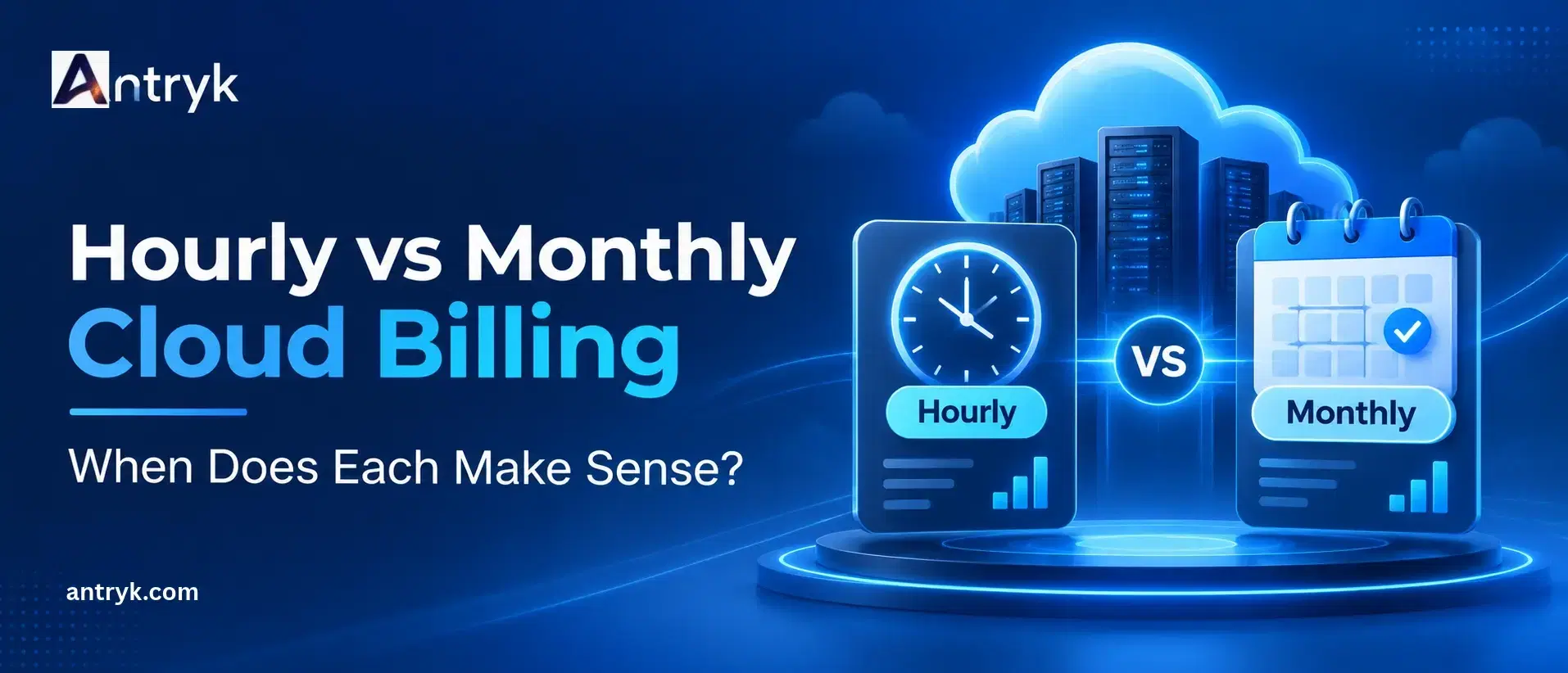
Hourly vs Monthly Cloud Billing: Which One Fits Your Workload?#
Cloud services power websites, apps, databases, AI workloads and SaaS platforms. Picking the infrastructure is only half the decision. How you pay for it matters just as much.
The core question in hourly vs monthly cloud billing is simple: is hourly always cheaper, and does a monthly plan win for anything that runs nonstop? The answer depends on how many hours your resources actually run.
This guide covers how each model works, a worked cost example with a break-even point, when each one makes sense, and how a platform like Antryk lets you mix both.
What Is Hourly Cloud Billing?#
Hourly cloud billing charges you for the time a resource is active, following the provider's billing rules. You don't commit to a full month up front.
Say a developer needs a test server for 10 days. With hourly billing, they pay for roughly 240 hours instead of a whole month.
Key characteristics
Usage-based charges: cost follows the hours a service runs.
Easy to change: create, resize or remove services as needs shift.
Less idle spend: delete resources you no longer need (or stop them, where billing pauses; this varies by provider).
No long commitment: well suited to short-lived projects.
Hourly pricing is not automatically cheaper, though. A server that runs all month can cost as much as, or more than, a fixed monthly plan.
What Is Monthly Cloud Billing?#
Monthly cloud billing is a recurring fee for a defined plan or resource allocation, such as set amounts of CPU, RAM and storage. The price is known in advance and stays the same whether you use every resource or not.
Key characteristics
Predictable cost: you know the bill before the month starts.
Steady availability: resources stay reserved for the period, subject to service terms.
Easier budgeting: finance teams can plan around one recurring number.
Possible bundle savings: some providers discount packages of several services.
The trade-off: a quiet month still costs the full amount, so check that you're paying only for what you need.
Hourly vs Monthly Cloud Billing: Key Differences#
Pricing structure: Hourly billing is based on billable usage time. Monthly billing is a recurring subscription or resource fee.
Cost flexibility: Hourly is high. Monthly is lower.
Budget predictability: Hourly depends on usage. Monthly is usually high.
Short-term projects: Hourly is highly suitable. Monthly is often less economical.
Continuous workloads: Hourly is suitable, depending on rates. Monthly is often practical.
Idle resources: With hourly billing, cost can drop when billing stops. With monthly billing, the subscription usually continues.
Resource changes: Hourly is often flexible. Monthly depends on plan terms.
Best for: Hourly suits development, testing and variable workloads. Monthly suits production systems and stable workloads.
The biggest difference is how each model reacts when usage changes. Hourly billing follows your workload. Monthly billing favors steady costs and guaranteed access. Neither is better in every case.
Hourly vs Monthly Cloud Billing: A Worked Cost Example#
Assume a hypothetical server at $0.10 per hour, and a 30-day month (720 hours).
Running all month: $0.10 × 720 = $72
Running 10 days: $0.10 × 240 = $24
Now compare a monthly plan with the same resources at a fixed $60.
10 days: hourly billing costs $24, monthly billing costs $60. Hourly is cheaper.
15 days: hourly billing costs $36, monthly billing costs $60. Hourly is cheaper.
20 days: hourly billing costs $48, monthly billing costs $60. Hourly is cheaper.
25 days: hourly billing costs $60, monthly billing costs $60. The two are equal.
30 days: hourly billing costs $72, monthly billing costs $60. Monthly is cheaper.
These figures are hypothetical and not actual Antryk prices. Taxes, storage, backups, bandwidth and other charges are excluded. Months with 28 to 31 days will shift the totals slightly.
Break-even is 25 days. Below 25 days, hourly billing is cheaper. At 25 days the two cost the same. Beyond that, the monthly plan wins.
The cheapest model depends on actual consumption, not the advertised hourly or monthly price. Estimate your running hours before you choose.
When Does Hourly Cloud Billing Make Sense?#
Hourly billing fits workloads whose needs change often.
- 1
Development and testing. Test servers often run only a few hours on working days. Spin them up, test, and delete them.
- 2
Startups and early-stage products. Traffic is unpredictable and the stack is still changing. Hourly billing avoids long commitments while you find your footing.
- 3
AI and machine learning. Training, fine-tuning and batch inference may need a powerful GPU for hours, not weeks. Hourly GPU pricing and hibernation can cut idle compute spend, depending on the provider.
- 4
Seasonal or campaign-based apps. Sale events, admission portals, ticket launches and promotions create short spikes you don't want to pay for all year.
- 5
Prototypes and proofs of concept. If an idea may be abandoned, hourly billing keeps the cost of trying it low.
When Does Monthly Cloud Billing Make Sense?#
Monthly plans suit workloads with consistent demand.
- 1
Production applications. Web apps, SaaS platforms and customer portals need to stay online around the clock, and a fixed price keeps costs steady.
- 2
Stable traffic. If your resource needs barely change, a recurring budget is simpler than tracking daily usage.
- 3
Enterprise systems. Applications serving many teams often need databases, storage, monitoring and security together, and bundled plans simplify procurement.
- 4
Always-on databases. A production database often has to run even when traffic is low, such as an online store's accounts, orders and inventory.
- 5
Budget predictability. Some organizations value a forecastable bill over maximum flexibility.
How to Choose Between Hourly and Monthly Cloud Billing#
Look beyond advertised prices. Work through these five checks.
- 1
Workload duration. Count the hours you need. For short needs, hourly usually wins. For continuous needs, compare accumulated hourly cost with monthly plans.
- 2
Traffic patterns. Steady usage points toward monthly. Sharp peaks and quiet periods point toward hourly.
- 3
Total cost of ownership. Compute is only part of the bill. Also count storage and databases, data transfer, backups, monitoring and security, extra IP addresses, and support.
- 4
Resource flexibility. Look for resizing, easy deletion, automated scaling, GPU hibernation and centralized usage monitoring.
- 5
Billing policies. Check whether billing starts at deployment, whether stopped resources still cost money, how partial months are calculated, whether storage is billed separately, whether credits expire, and when cancellations take effect.
Can You Combine Hourly and Monthly Billing?#
Yes, and many teams should. Each workload has its own pattern, so each can have its own billing model. A SaaS company might use:
Predictable monthly billing for core production infrastructure.
Hourly billing for development and testing environments.
Hourly GPU resources for model training.
Usage-based billing for email and SMS.
Storage billed by actual data consumption.
Managing costs service by service beats forcing one pricing strategy onto everything.
How Antryk Makes Cloud Billing More Flexible#
Antryk is a cloud platform for deploying applications, managing resources and scaling infrastructure from one place. It offers hourly credit-based billing for most compute and storage services, under each service's pricing rules.
Hourly billing for active services#
Hourly charges are deducted from your account balance while a service runs. If you delete a service mid-month, billing for it stops instead of charging for the full calendar month. That suits developers, startups and temporary workloads.
GPU cloud with hibernation#
Antryk offers GPUs for training, inference and other GPU-heavy tasks, billed hourly on demand. After a job finishes, you can hibernate the instance to avoid the full active rate while it sits idle. A minimal standby charge may still apply.
Managed databases and web services#
Antryk provides web services, static hosting and managed PostgreSQL, MySQL, Redis and InfluxDB. Most use hourly credit-based billing. Automated backups, deployment automation, monitoring and security features come on the same platform.
No bandwidth or egress fees#
Antryk advertises no bandwidth or egress fees. That makes it easier to estimate total costs for applications with heavy traffic, database transfers or cloud storage.
Combined monthly plans#
Hourly billing isn't the only option. According to Antryk's published pricing, combined monthly plans start at $55 per month. They bundle frontend and backend deployment, databases, storage and transactional email, with larger resource allocations at higher tiers.
See current services and rates on the Antryk pricing page.
Common Mistakes When Choosing a Cloud Billing Model#
Choosing on advertised price alone. A low hourly rate can become expensive under continuous use, and a monthly plan may include resources you never touch.
Ignoring idle infrastructure. Review development servers, temporary databases and GPU instances regularly. Delete them, or hibernate where supported.
Overlooking extra charges. Check storage, networking, backups and support before buying.
Not monitoring consumption. Without regular reviews, you may keep paying for oversized resources or miss usage spikes. Use billing reports.
Assuming monthly is always cheaper. A project that runs only a few days can cost far less hourly.
Frequently Asked Questions#
What is the difference between hourly and monthly cloud billing?#
Hourly billing charges for the time resources are active, under the provider's rules. Monthly billing charges a recurring fee for a monthly period. Hourly offers usage flexibility, and monthly offers predictable expenses.
Is hourly cloud billing cheaper than monthly billing?#
It can be for temporary, intermittent or variable workloads. Resources that run continuously can pass the cost of a fixed monthly plan. Compare your actual running hours with the monthly price to find the break-even point.
When should startups choose hourly cloud billing?#
When building, testing, prototyping or handling unpredictable demand. It lets teams use infrastructure as needed without committing to a full month.
Is monthly cloud billing better for production applications?#
Often, because production apps need continuous availability and steady costs. Still, compare pricing, utilization and the provider's terms before deciding.
Can I switch between hourly and monthly cloud billing?#
That depends on the provider. Some allow upgrades, downgrades or plan changes, while others have restrictions or cancellation conditions. Read the billing policy first.
Does hourly cloud billing charge for unused resources?#
It depends on how the provider defines billable usage. Some stop compute charges when a resource is stopped, while others keep billing for allocated resources or attached storage. Deleting a service can also be treated differently from stopping it.
How does Antryk handle hourly cloud billing?#
Antryk deducts hourly credits for most compute and storage services, based on active usage. Billing for a service stops when you delete it. Some offerings, such as messaging and bundled plans, use different pricing structures.
Does Antryk offer monthly cloud plans?#
Yes. Its published combined plans start at $55 per month and include different mixes of frontend hosting, backend hosting, databases, storage and transactional email.
Which billing model is best for AI and GPU workloads?#
Hourly billing usually suits training, fine-tuning and inference that run in bursts. For continuous GPU workloads, compare hourly costs with any committed or monthly pricing. Hibernation can cut costs when supported.
How can businesses reduce cloud infrastructure costs?#
Monitor usage, delete unused environments, right-size resources, optimize application performance, review storage needs, and pick the billing model that matches real workloads. Regular cost reviews help avoid surprises.
Conclusion: Match the Billing Model to the Workload#
Choosing between hourly and monthly cloud billing comes down to how your infrastructure is used. Hourly billing fits temporary projects, development environments, variable workloads and bursty GPU jobs. Monthly billing fits production applications, stable workloads and teams that need predictable costs. Many organizations do best with a mix.
Estimate your running hours, calculate realistic totals, and choose a provider with transparent pricing and flexible resource management. With hourly credit-based billing, GPU hibernation, managed services and combined monthly plans, Antryk covers both approaches.
Ready to compare for your own workload? Explore Antryk's cloud services and pricing.